Choose a format
Orange portrait, blue portrait or blue landscape.

Prepare an End of Year Certificate from your recorded payroll figures. Choose a format, enter the details and review your free PDF preview.
Create your P60A P60 brings together an employee’s annual pay, tax and National Insurance information. It is prepared by the employer or an authorised payroll user from the year’s payroll records.
Use the figures recorded in your payroll. Annual totals alone cannot reconstruct the NI earnings bands.
Orange portrait, blue portrait or blue landscape.
Employee, employer, pay, tax, NI and statutory payments.
Review the live document and download a free draft.
Use a document credit to finalise your checked certificate.
Enter amounts in pounds. A negative tax amount represents a refund and prints with an R.
The employer or an authorised payroll user prepares it using the employee’s payroll records. If you are an employee who has lost a P60, ask your employer for a replacement.
The employee’s name, NI and payroll number, employer details and PAYE reference, previous and current employment pay and tax, final tax code, NI earnings bands, statutory payments and loan deductions.
No. Orange portrait, blue portrait and blue landscape contain the same recorded information. Select the format that works best for your payroll records.
No. Enter figures from the payroll records for the selected tax year. The tool adds the pay and tax totals and prepares the certificate; it does not reconstruct NI bands or submit payroll returns.
Yes. Sign in to save a draft. Finalising uses one document credit, and repeat downloads of that final document are included.
A P60 summarises the tax year for a relevant employee still employed on 5 April. A P45 is supplied when an employee leaves. Use your payroll software for P45 reporting.
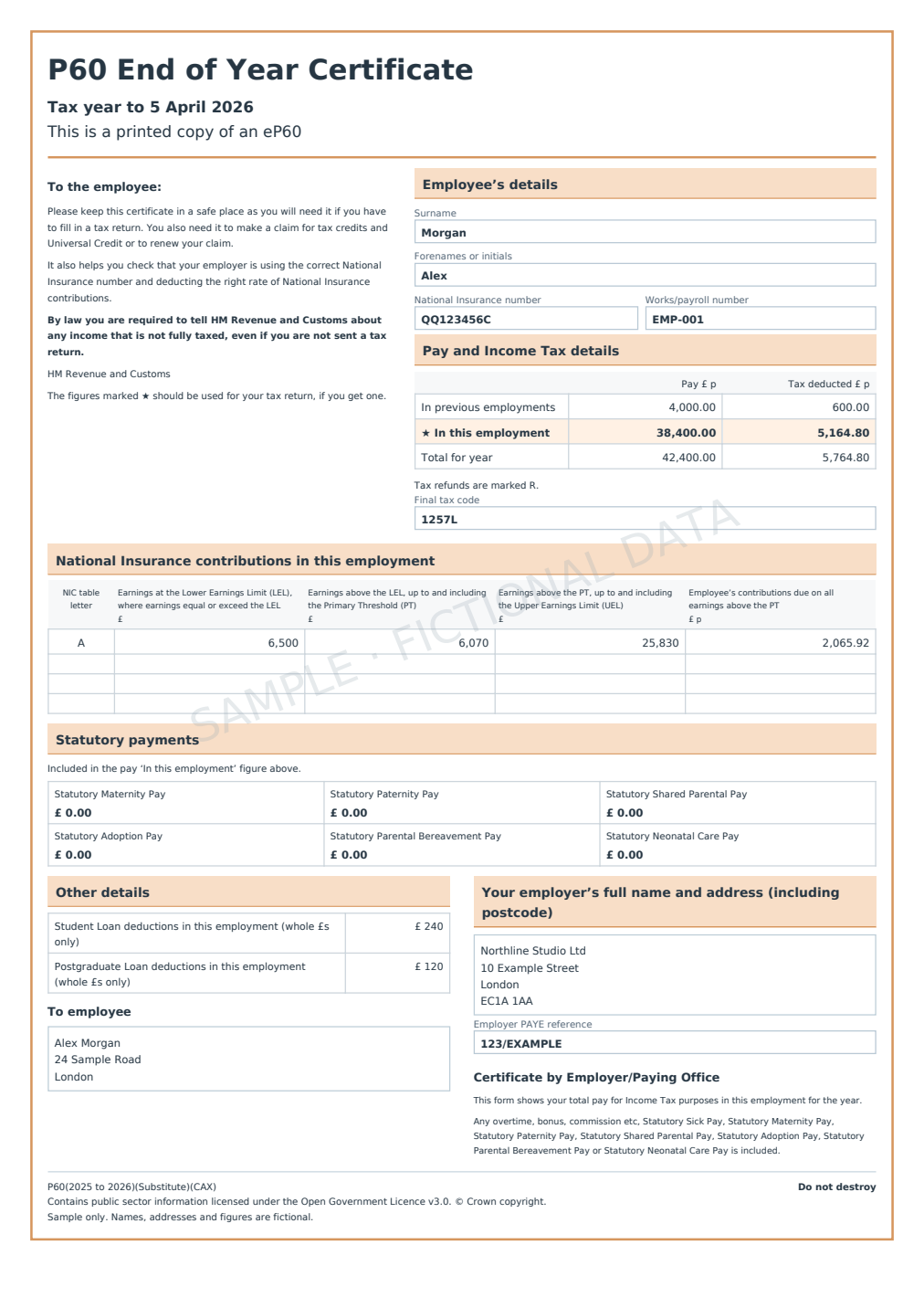 Orange · portrait
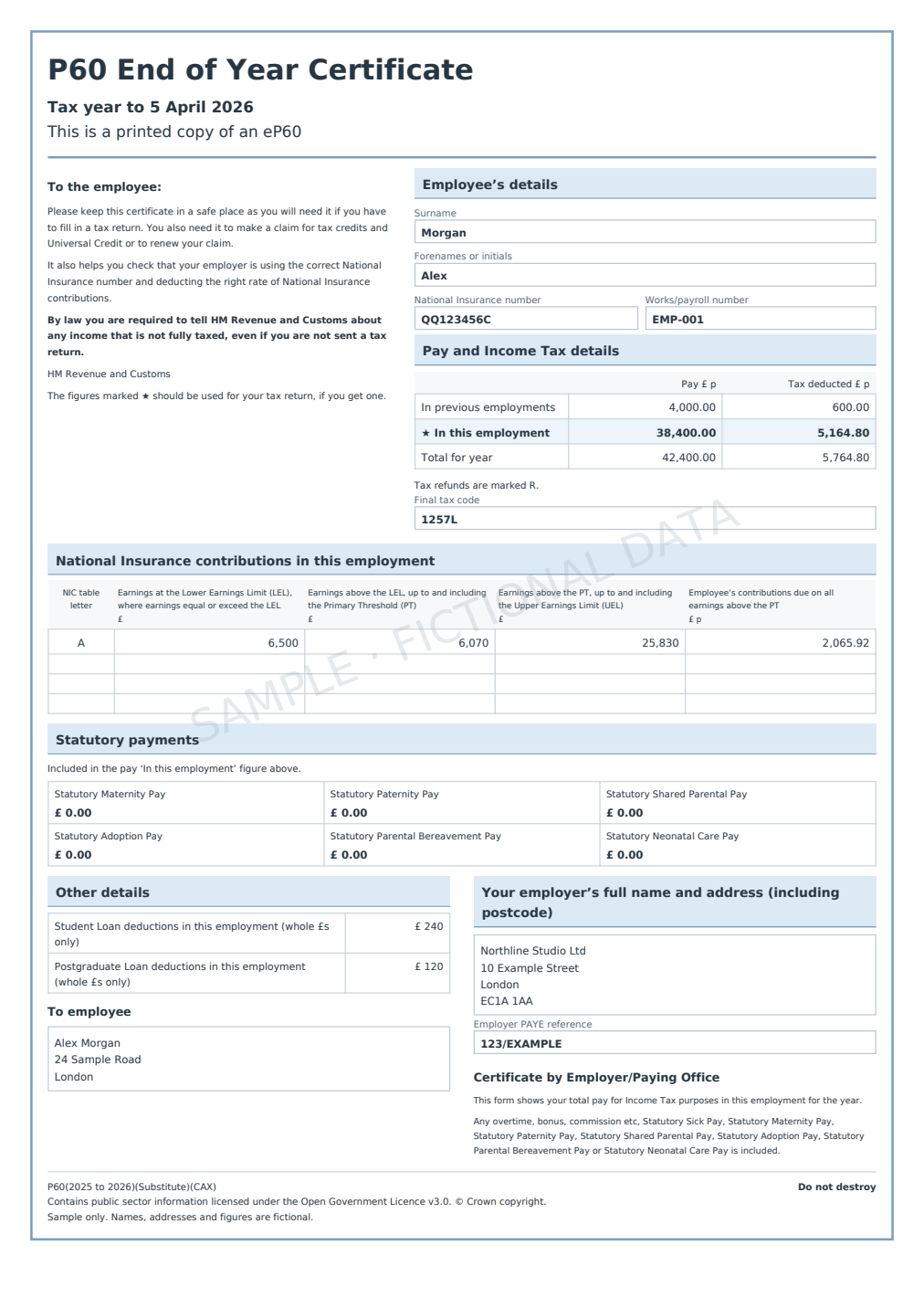 Blue · portrait
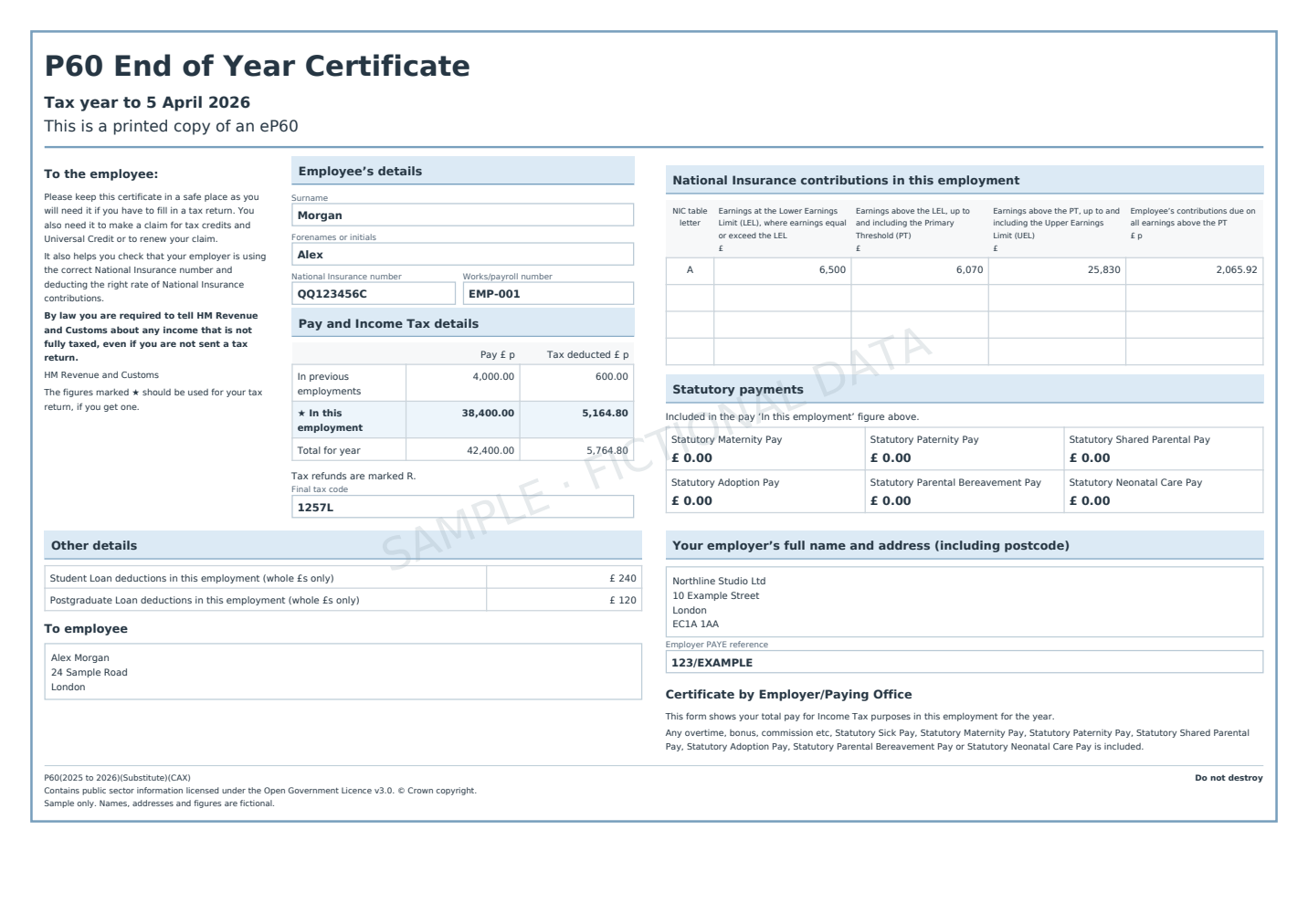 Blue · landscape